
Features
Everything Khaleeji COD does
One checkout rule that hides or renames Cash on Delivery, plus two tools to find what refused orders are costing you.
Coming soon to the Shopify App Store · Email: 9090mohammad123@gmail.com
Checkout rules
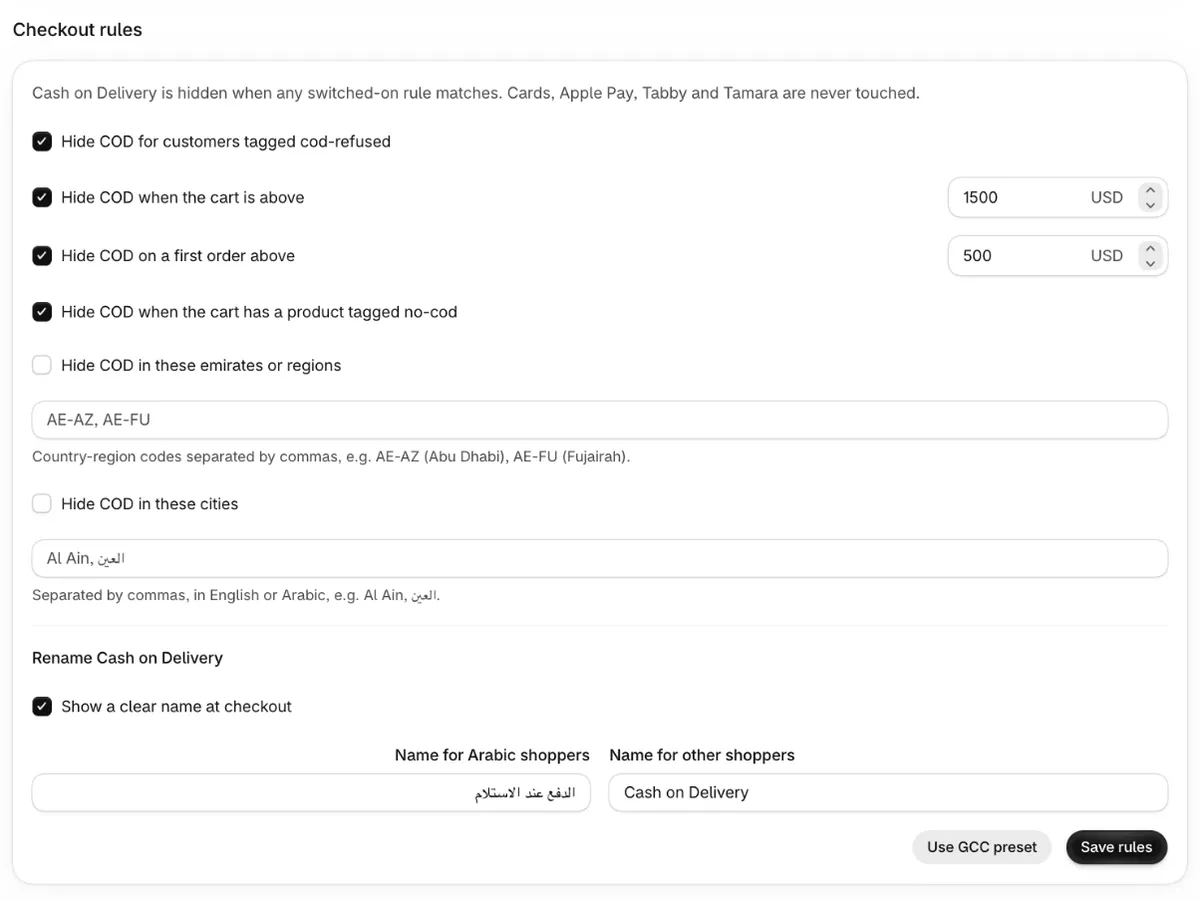
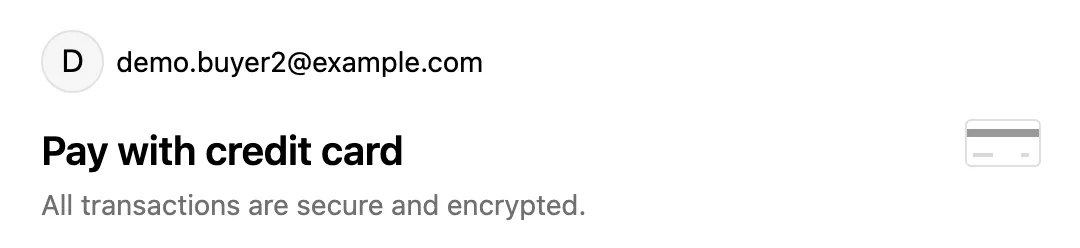
Khaleeji COD adds one rule to your Shopify checkout. It checks each order against the rules you switched on, and hides Cash on Delivery when any of them match. Everyone else sees COD as normal.
- Past refusersCustomers tagged cod-refused or cod-blocked. Works when the checkout is linked to the customer, for example when they're logged in.
- Cart above an amountIn your shop's currency. Carts paid in other currencies are converted before the check.
- Large first ordersA guest checkout, or a customer with no previous orders, above a smaller amount.
- Products tagged no-codOne tagged product switches COD off for the whole cart. Good for custom-made, fragile or high-value items.
- EmiratesEmirate codes such as AE-AZ (Abu Dhabi) or AE-FU (Fujairah). Shopify's checkout asks for the emirate in the UAE. In Saudi Arabia, Qatar, Bahrain and Oman it asks for no region, so use the city rule there.
- CitiesExact names in English or Arabic, such as Al Ain or العين.
The GCC preset
One click switches on four rules with starting amounts, which you then adjust to your store: past refusers, carts above 1,500, first orders above 500, and products tagged no-cod. Amounts are in your shop's currency. The region and city rules stay off until you fill them in.
A clear name for COD, in Arabic and English
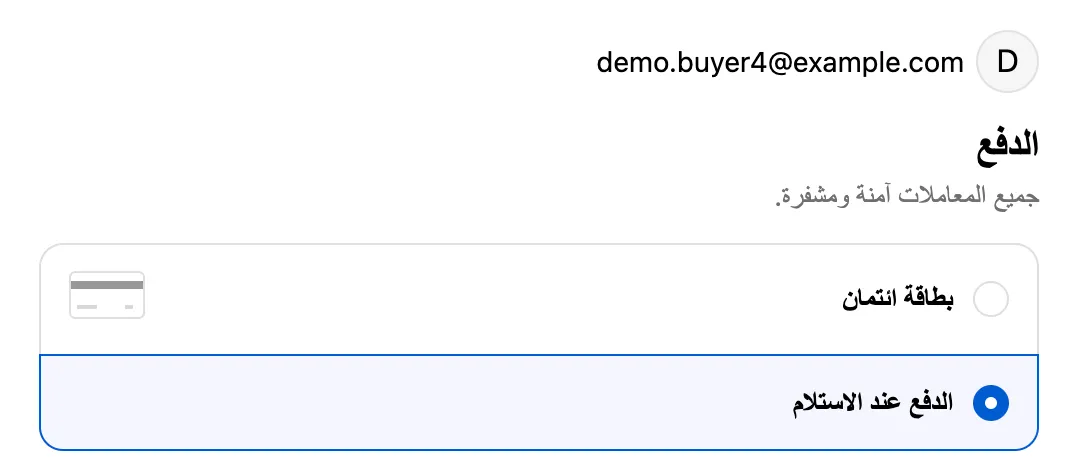
Shopify shows the built-in method as "Cash on Delivery (COD)" in English. Khaleeji COD renames it at checkout: «الدفع عند الاستلام» for shoppers using your Arabic checkout, and "Cash on Delivery" for everyone else. You can edit both names.

Refuser scan
The scan finds orders placed in the last 60 days that were cancelled, keeps the ones paid by COD, and lists their customers. One click tags them cod-refused, so the past-refuser rule hides COD for them next time. Nothing is tagged until you confirm, and customers who already have the tag are skipped.
Money-lost report
Type what one order costs you to ship out and to ship back. The report counts the cancelled COD orders that had shipped (Shopify recorded a fulfillment) and multiplies. Orders cancelled before they shipped are listed separately, because they cost no shipping. It leaves out packaging, fees and ad spend, so treat it as an estimate.
Admin page in Arabic
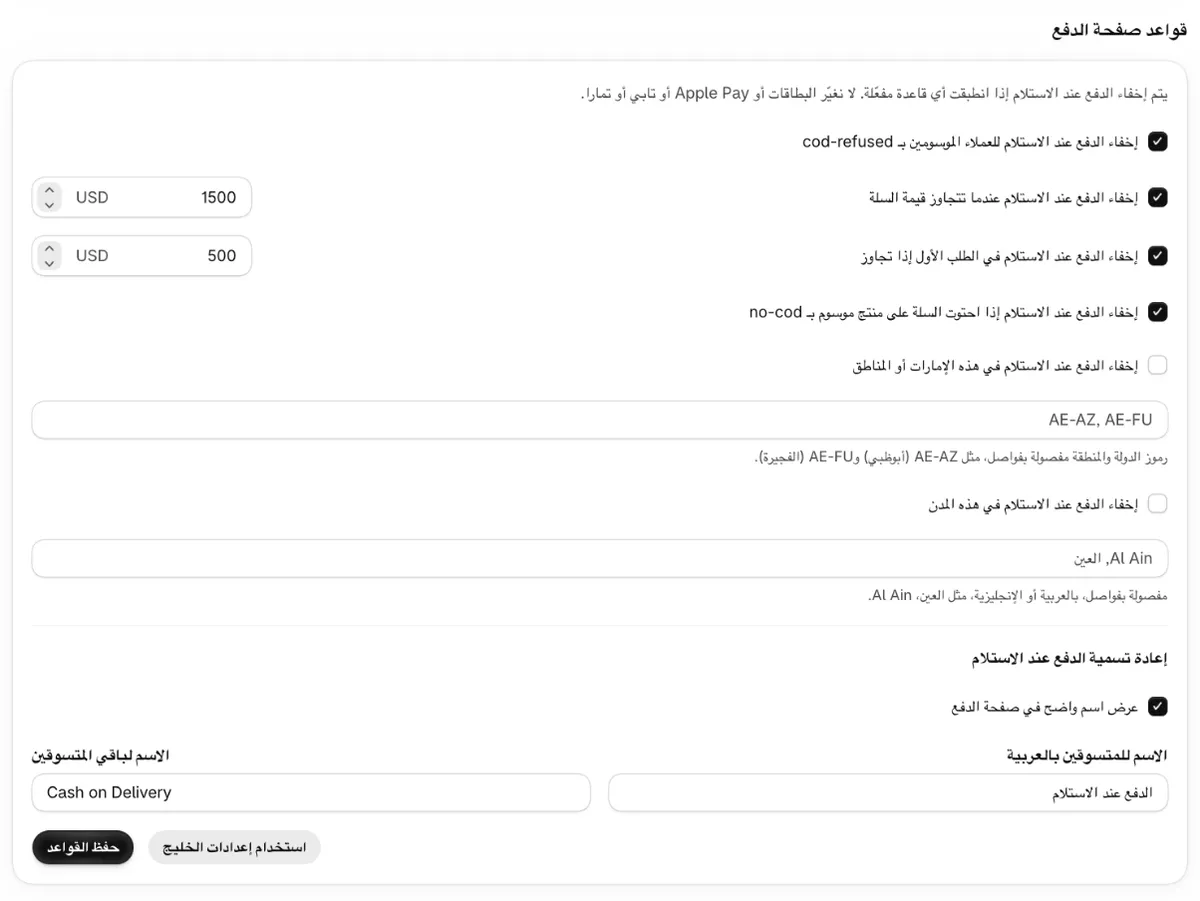
The settings page follows your Shopify admin language and switches to Arabic, right to left, with one click. Every rule, message and button is translated.
Built to fail safe
A payment rule should never cost you a sale by mistake, so Khaleeji COD is careful by design.
- Only Cash on Delivery changes. Cards, Apple Pay, Tabby, Tamara and every other method are never touched.
- Missing or broken settings mean no change. It never hides every payment method.
- One payment customization for all rules. Shopify allows 25 per store.
- No scripts added to your theme or storefront.
- Your rules are stored in your own Shopify store. No customer data is kept anywhere else.

Stop paying shipping twice for refused orders
Khaleeji COD is coming soon to the Shopify App Store. Email us and we'll tell you the day it's live.
Coming soon to the Shopify App Store · Email: 9090mohammad123@gmail.com